
Android Learning
Affordable, mobile-first learning with EDXIS Android student tablets — entry, LED, and premium tiers — managed end-to-end through Google services.
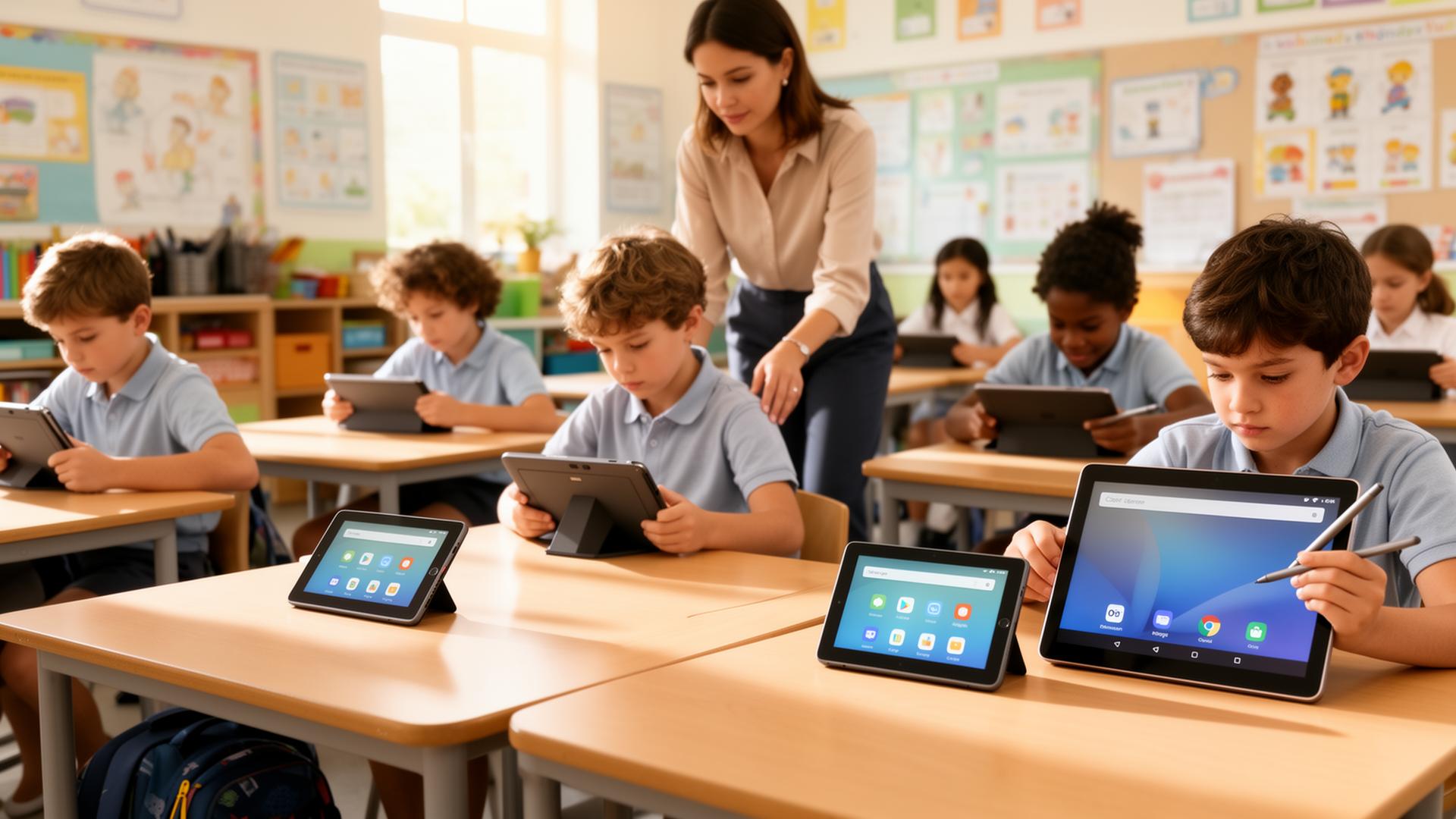
Many classrooms — especially early years, primary, and shared-device programs — need a learning device that's lighter, more affordable, and more mobile than a notebook, without losing the management and safety of a serious education deployment. Generic consumer tablets don't survive the classroom and can't be centrally managed at scale.
EDXIS Android Learning brings together our purpose-built student tablet range — Entry, LED, and Premium tiers — with Google's managed Android stack so schools and ministries can deploy mobile-first classrooms with the same governance they expect from a Chromebook or Windows program. Every device is Google-services ready and enrolled through Android Enterprise / Zero-touch, managed centrally, and paired with curated education apps, Google Classroom, and EDXIS Interactive Displays for a complete learning environment.
EDXIS Student Tablet — Entry
Cost-efficient Android tablet for early years and primary classrooms — rugged, lightweight, and ideal for large-scale 1:1 or shared programs.
EDXIS Student Tablet — LED
Mid-tier student tablet with a sharper LED display and stronger performance for reading, content, and interactive lessons across primary and lower secondary.
EDXIS Student Tablet — Premium
Premium Android student tablet with higher performance, larger display, and pen/touch support for secondary, creative subjects, and assessment use cases.
Google services on Android
Google Play, Google Classroom, Google Drive, Gmail for Education, and YouTube for Education — delivered through Google Mobile Services on every tablet.
Android Enterprise & Zero-touch
Fully managed Android: zero-touch enrolment, work-profile-style controls, app whitelisting, and remote policy from a single console.
EMM & MDM management
Centralized mobile device management for app deployment, kiosk modes, content filtering, and lost-device recovery across the fleet.
Curated education apps
A broad ecosystem of Android education apps, curated, approved, and managed for your classrooms and age groups.
Interactive classroom experiences
Pair Android tablets with EDXIS Interactive Displays and Google Classroom for synchronous lessons, screen-sharing, and formative assessment.
Online safety & digital wellbeing
Web filtering, screen-time, and content controls aligned to school and ministry safeguarding standards.
Mobility & durability
Designed to move between classrooms, labs, and learning spaces — protective shells, long battery life, and serviceable parts.
- Lower cost per learner than notebook-based 1:1 programs
- Three clear tiers — Entry, LED, Premium — so each grade gets the right device
- Full Google services and Google Classroom on every tablet
- Centralized management at school, district, and ministry scale
- Safer classrooms with built-in filtering and digital-wellbeing controls
- A coherent classroom when paired with EDXIS Interactive Displays
- Purpose-built EDXIS student tablet range across three tiers
- Android Enterprise & Google Mobile Services certified deployments
- Centrally managed tablet fleets at school and ministry scale
- Interoperable with EDXIS Interactive Displays and Google Classroom
Entry, LED and Premium — matched to the way students learn
Three managed Android tablet tiers, all enrolled into the same Google for Education environment. Pick the device that fits the year group; the deployment, policies and support stay identical.

Foundation classrooms
Rugged, affordable Android tablets for early literacy, numeracy, and guided learning apps. Built to survive everyday classroom use.
- Protective shell
- Long battery
- Managed Play apps
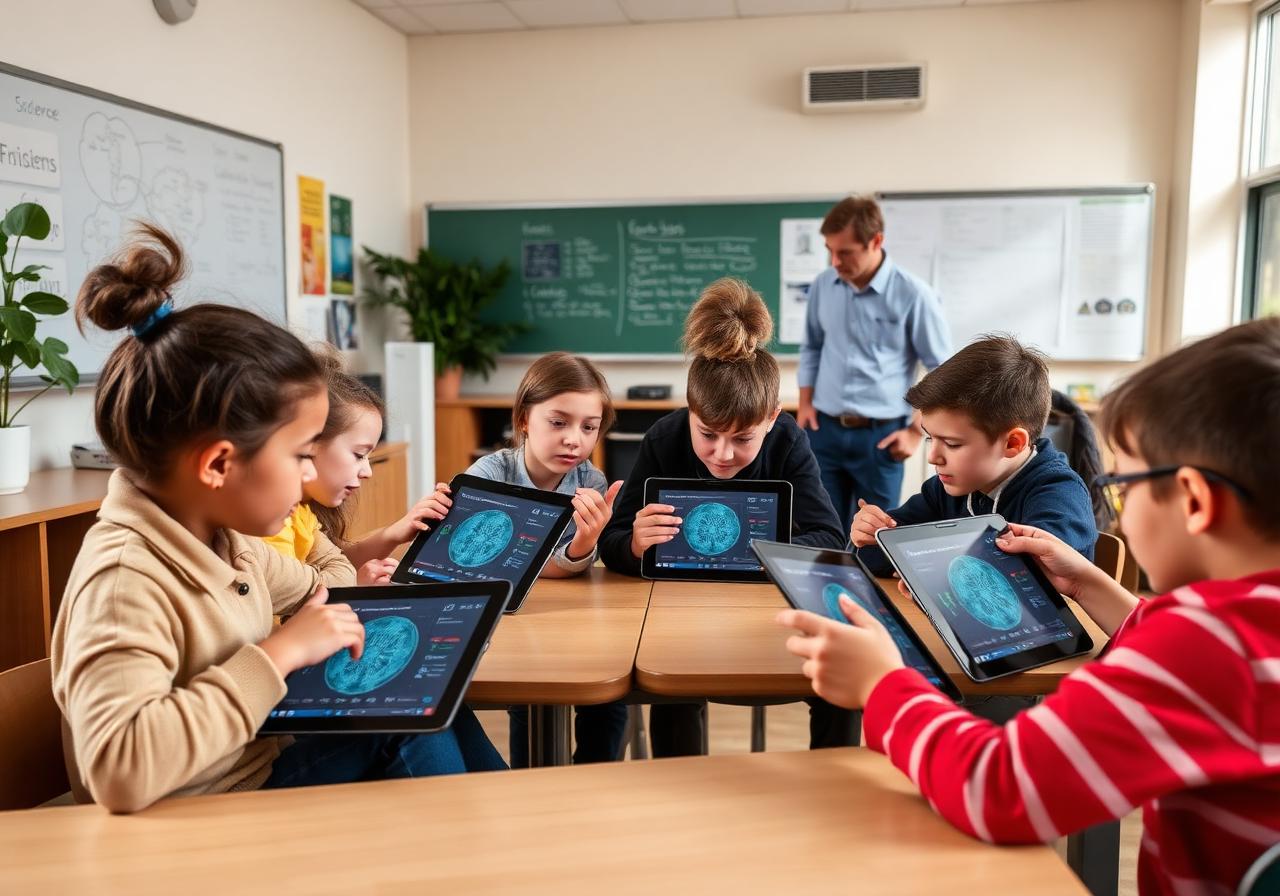
Collaborative learning
Bright LED displays for group science, interactive lessons, and cross-curriculum projects. The everyday workhorse for active classrooms.
- Crisp LED display
- Group-ready
- Classroom-managed

Stylus & creative work
Large-screen premium tablets with active stylus for note-taking, design, STEM, and exam-style assessment workflows.
- Active stylus
- Large screen
- Exam mode ready
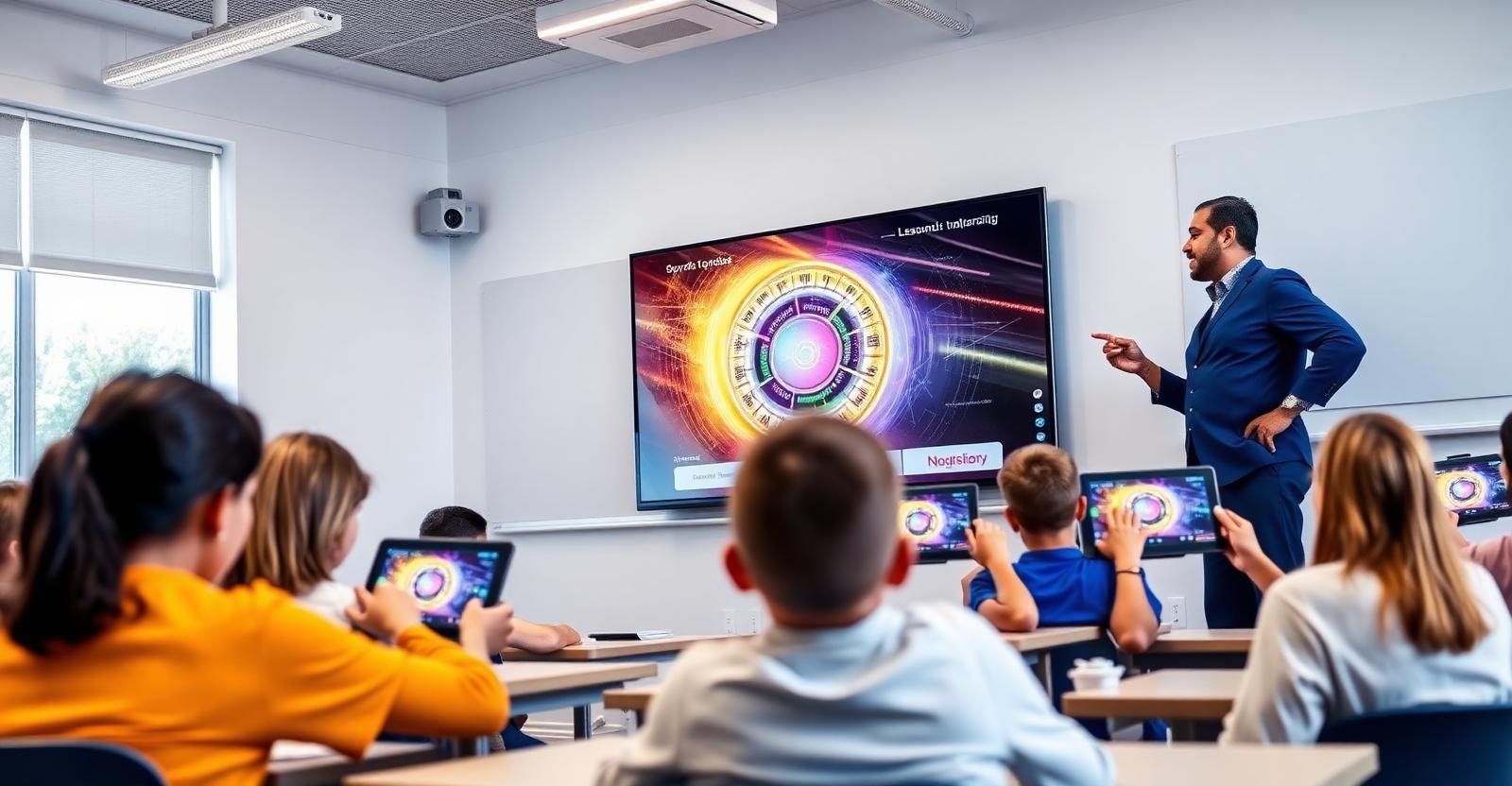
Tablets, interactive displays and projection — designed to work as one
EDXIS Android tablets pair natively with EDXIS interactive flat panels and classroom projectors. Teachers move seamlessly between personal device, shared display, and wall projection — no cables, no app-switching, no fuss.
- Student Android tablets
Every learner follows the lesson on their managed tablet — synced with what's on the front-of-class display.
- EDXIS interactive displays
Teachers cast, annotate, and run apps on large-format touch panels with one-tap connection from any tablet.
Android Enterprise management with Google for Education
EDXIS combines Android Enterprise device management with the Google for Education service stack — giving schools centralised control, secure classrooms, and zero-touch deployment at fleet scale.
Android Enterprise management architecture
A single EMM console pushes policy, apps, and security to every enrolled tablet via Android Enterprise.
Google for Education services stack
Identity, classroom, and admin services that run on top of the managed Android fleet.
Zero-touch deployment lifecycle
Tablets arrive sealed at the school and auto-enrol the moment they connect to Wi-Fi.
Explore more ecosystems
All ecosystemsA trusted, Google-aligned implementation partner — delivering EDXIS Chromebooks, Google Workspace for Education, Google Classroom, and Gemini-powered AI learning at national scale.
Windows learning environments, Microsoft 365 for Education, and Teams — delivered on EDXIS-engineered Windows devices and integrated into connected classrooms.
AI-powered classrooms and offline learning continuity, anchored by the EDX:AI Classroom Hub.
Ready to plan your next step?
Talk to an EDXIS education specialist about how this fits your school, group, or ministry program.