
Microsoft Education
Windows learning environments, Microsoft 365 for Education, and Teams — delivered on EDXIS-engineered Windows devices and integrated into connected classrooms.
Schools and ministries committed to Microsoft need more than licenses. They need classroom-ready Windows hardware, a teacher device that can lead the room, identity and Intune configuration, Microsoft 365 rollout, Teams adoption, and the implementation muscle to make it land across every classroom — not just IT.
For systems that need the familiarity, depth, and compliance posture of Microsoft, EDXIS delivers the full Windows and Microsoft 365 for Education stack on our own purpose-built devices — the EDXIS M40, M40x, and Premier teacher device — combined with Microsoft 365 A1/A3/A5, Teams, OneDrive, Intune for Education, and Minecraft Education. Same implementation discipline we bring to every ecosystem: imaging, enrolment, identity, training, and support engineered for school and ministry scale.
EDXIS M40 student notebook
Classroom-ready Windows 11 notebook engineered for K–12: rugged chassis, spill-resistant keyboard, long battery life, and managed deployment at scale.
EDXIS M40x convertible
2-in-1 convertible Windows device with touch and pen support — built for active learning, lab work, and creative subjects across primary and secondary classrooms.
EDXIS Premier teacher device
Premium Windows teacher notebook designed to lead the connected classroom — more performance, premium display, and seamless integration with EDXIS Interactive Displays.
Windows 11 for Education
Modern, secure Windows learning environments deployed and managed to your district or ministry standards.
Microsoft 365 for Education
Full A1, A3, and A5 rollout: identity, Office apps, OneDrive, SharePoint, security, and compliance configured for education.
Microsoft Teams for Education
Classrooms, assignments, meetings, and staff collaboration deployed with adoption playbooks and teacher training.
Intune for Education
Zero-touch device enrolment, app deployment, and policy management — across thousands of EDXIS Windows devices.
Identity & security baseline
Microsoft Entra ID, conditional access, and education-grade security baselines aligned to your compliance requirements.
Minecraft Education & Reading Coach
Microsoft's learning experiences — Minecraft Education, Reading Coach, and Learning Accelerators — enabled across your tenancy.
Hybrid & blended learning
Models that work across in-class, remote, and blended learning — anchored on Teams, OneDrive, and Windows.
- One vendor for Windows devices, Microsoft 365, and rollout services
- Teacher-grade Premier device that leads the classroom, not just supports it
- Predictable deployment timelines through Intune zero-touch enrolment
- Higher Microsoft 365 and Teams adoption through structured teacher enablement
- Education-grade security and compliance out of the box
- A long-term partner who understands the full Microsoft education stack
- EDXIS-engineered Windows devices deployed at ministry scale
- Microsoft 365 for Education rollouts across multiple regions
- Intune for Education zero-touch deployment experience
- Teacher-first device strategy with the EDXIS Premier
The EDXIS Windows range — M40, M40x and Premier in everyday use
From the workhorse M40 to the convertible M40x and the teacher-grade Premier, every EDXIS laptop is built for Windows 11 Education and Microsoft 365 — managed, secure, and ready for the classroom.

1:1 Windows classroom
Reliable clamshell EDXIS M40 laptops running Windows 11 Education and Microsoft 365 — the everyday student device.
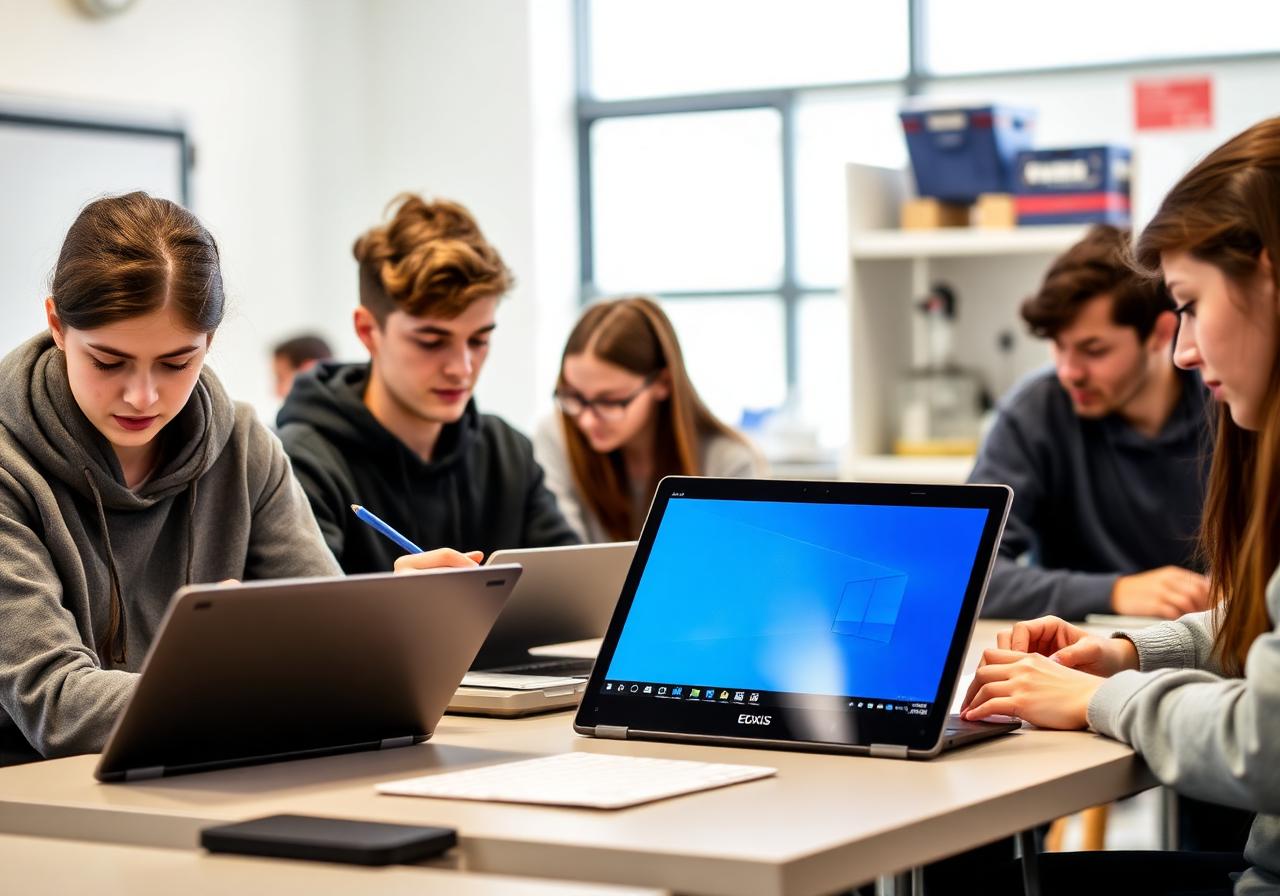
2-in-1 convertible for STEM & creative work
EDXIS M40x convertibles flip into tablet mode for OneNote sketching, diagrams, and digital ink across the curriculum.

Teacher device for planning & teaching
The premium EDXIS Premier laptop equips teachers with the performance to plan in Teams, present in PowerPoint, and grade on the move.
Explore more ecosystems
All ecosystemsA trusted, Google-aligned implementation partner — delivering EDXIS Chromebooks, Google Workspace for Education, Google Classroom, and Gemini-powered AI learning at national scale.
Affordable, mobile-first learning with EDXIS Android student tablets — entry, LED, and premium tiers — managed end-to-end through Google services.
AI-powered classrooms and offline learning continuity, anchored by the EDX:AI Classroom Hub.
Ready to plan your next step?
Talk to an EDXIS education specialist about how this fits your school, group, or ministry program.